iPhone · Beta
Point at a shelf. Spot the books you're hunting.
Juno reads barcodes and spine text at the same time. Small green and purple markers appear in AR on the spines it matches, and a barcode scan brings up the book's details.
Sign in with Apple. A subscription is required; eligible Apple IDs can start a 7-day free trial. Juno is in beta now, with a full release coming soon.
Watch a shelf scan
A short walkthrough of signing in and scanning a shelf.
Beta build, shown with sample data, not live results.
Purple: a keyword or author on your watchlist Green: a book worth picking up and scanning the barcode for details.
What Juno does
Built for scanning shelves at thrift stores, library sales and estate sales.
Barcode and spine, together
Juno reads ISBN barcodes and spine text from the same camera view, at the same time. There's no mode to switch, and no need to pull every book off the shelf.
Markers on the shelf
Small green and purple markers appear in AR on the spines Juno matches. They're colour only, with no text on them, so the shelf stays easy to read.
Watchlist
Save keywords and authors you're looking for. When one turns up on a spine, it gets a purple marker.
Accurate barcode lookup
Scan a book's barcode to pull up accurate details, such as its title and author, instead of relying on the spine text alone. Markers aren't tappable, so the barcode is the way to get details.
Your settings, saved
Sign in with Apple. Your watchlist and scan settings are saved to your Juno account.
Inside the app
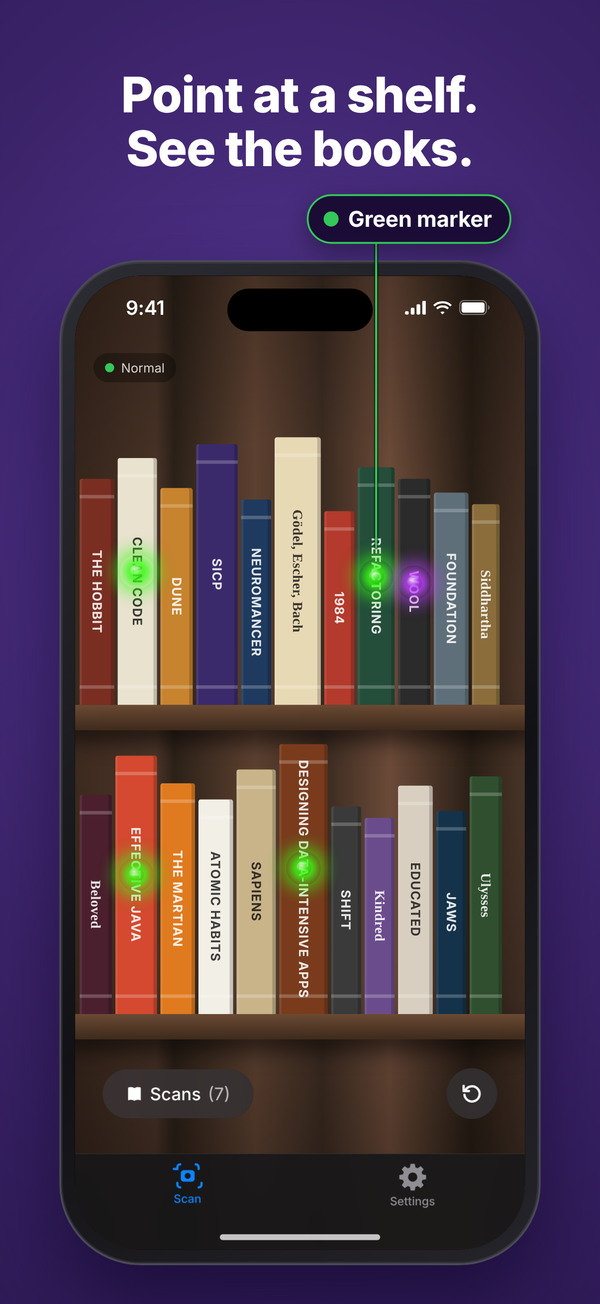
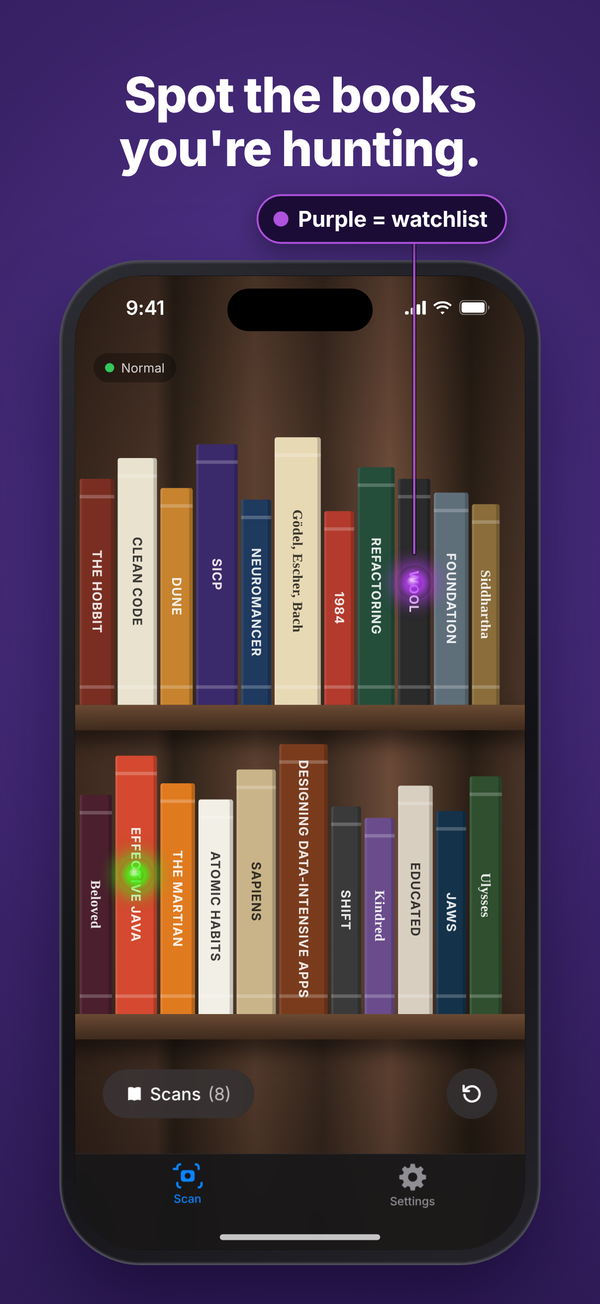
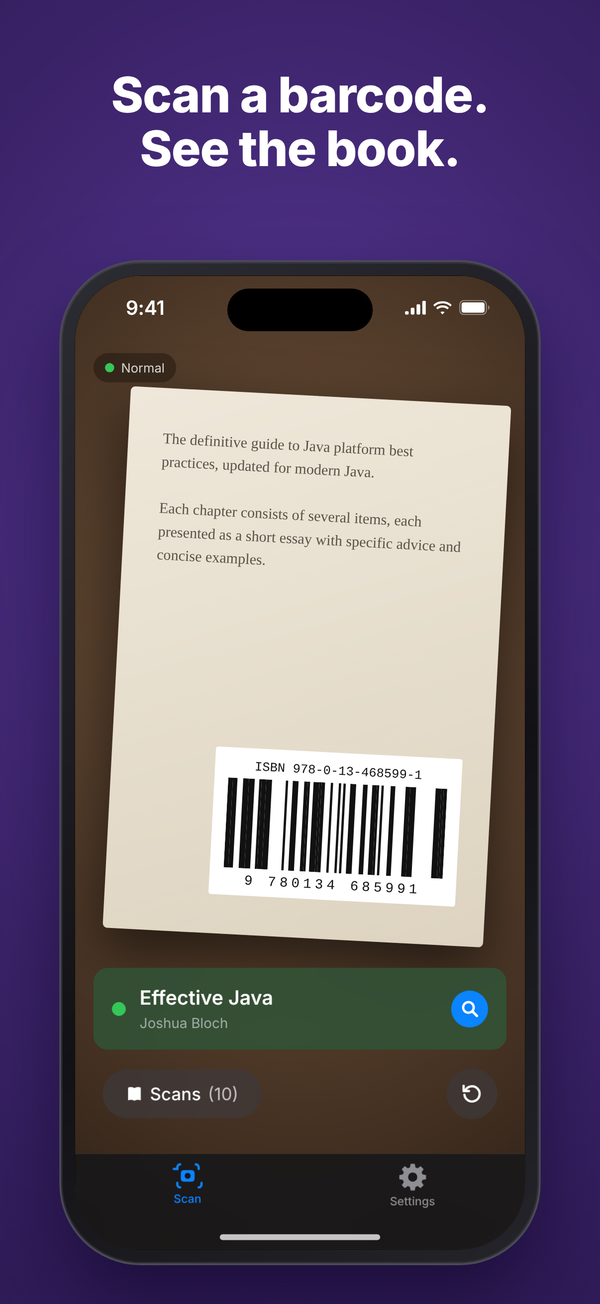
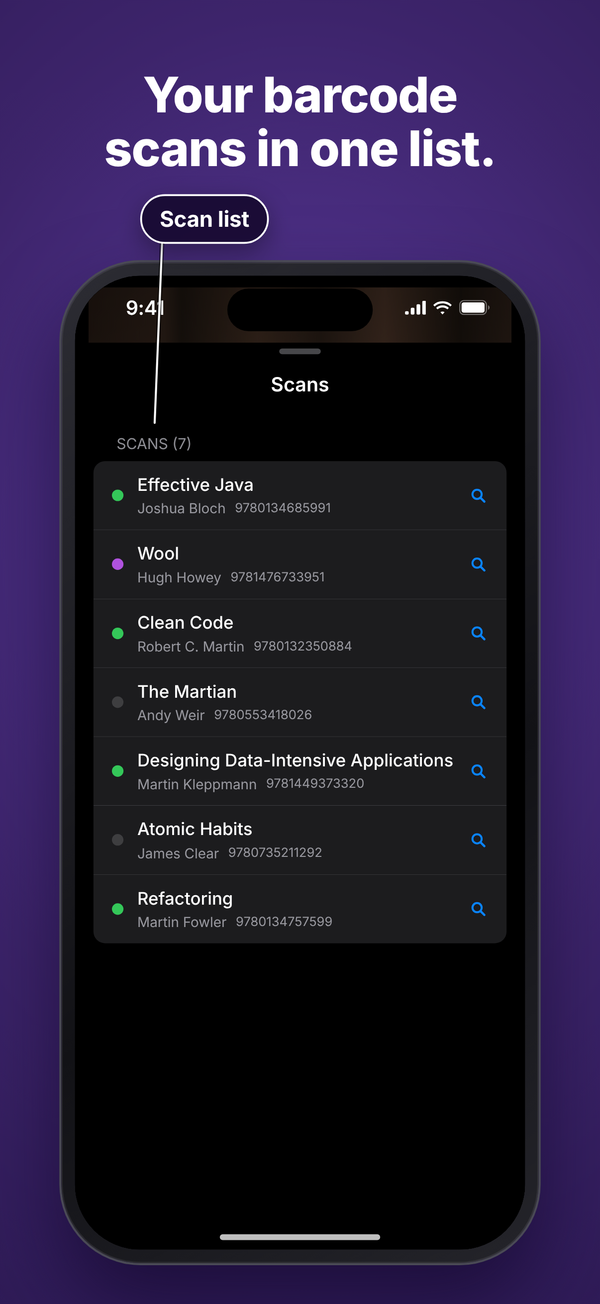
Green marker: a book worth picking up and scanning the barcode for details. Purple marker: a keyword or author on your watchlist.
How it works
Sign in
Sign in with Apple, then subscribe or start the 7-day trial if Apple offers it on your Apple ID.
Add your watchlist
In Settings, add the keywords and authors you're hunting for.
Point at a shelf
Move slowly along the shelf in good light. Juno reads barcodes and spine text together, and markers appear on the spines it matches.
Scan for details
Scan a book's barcode to pull up accurate details, such as its title and author, instead of relying on the spine text alone.
Juno needs an internet connection to identify books.
Request the beta
Juno is an iPhone beta. The invite goes to the Apple ID email on your iPhone.
Email contact@wunostudio.com and include your name, that Apple ID email, how many books you sell per week, and how often you check used goods stores. The form can fill those in. Send the email yourself if the button does not open a mail app.
Subscription
$14.99 a month or $149.99 a year, billed by Apple. Eligible Apple IDs get a 7-day free trial, then the plan renews until you cancel in Settings → [your name] → Subscriptions.
Subscription termsSupport
Common questions
How do I scan?
Open the scanner and point the camera at the shelf in good light, moving slowly. Juno reads barcodes and spine text at the same time. To see a book's details, scan its barcode.
What do the green and purple markers mean?
Green marker: a book worth picking up and scanning the barcode for details. Purple marker: a keyword or author on your watchlist. Markers are colour only and can't be tapped.
Does it work offline?
No. Juno needs an internet connection to identify books.
I subscribed, but the app still shows the paywall.
Stay signed in with the same Apple ID you used to subscribe, then tap Restore Purchases on the subscription screen. Signing in alone does not attach a subscription.
How do I cancel?
Apple bills the subscription, so cancel it in Settings → [your name] → Subscriptions. Deleting your Juno account does not stop that billing.
How do I delete my account?
In the app, open Settings and tap Delete Account. That removes the Juno account and the data described in the Privacy Policy. It does not cancel the Apple subscription.
Is the camera recorded?
No. Juno reads barcodes and spine text on your iPhone and doesn't upload photos or video. Only the text it reads, such as a title or ISBN, is sent so we can identify the book.
Need help?
Email us and include the Apple ID email you use with the app if the question is about a subscription.
contact@wunostudio.comLegal
The privacy policy and terms below are the public versions linked from the app and intended for the App Store listing.